Build a Private AI Knowledge Base from Your Notes
Turn a folder of markdown notes into a private, searchable AI knowledge base using Obsidian, local embeddings, and a small automation pipeline—without handing your notes to a cloud service.

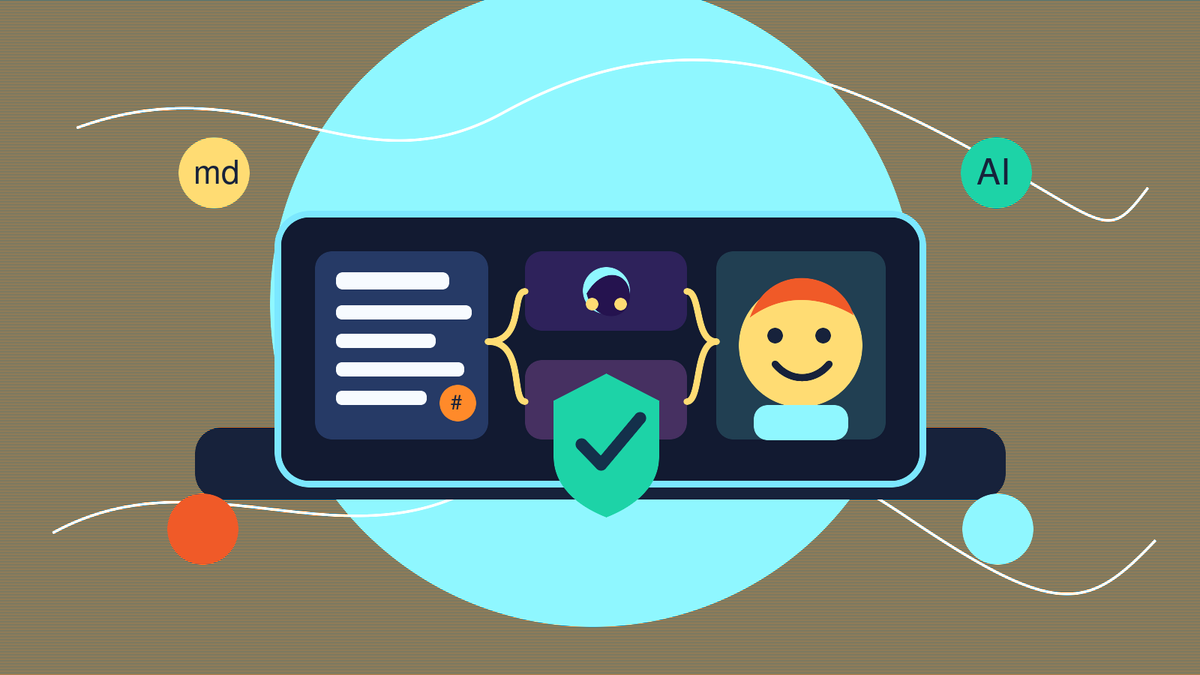
If you keep useful notes in Obsidian, a project folder, Apple Notes exports, or a pile of markdown files, you already own the raw material for a personal AI knowledge base. The trick is turning those notes into something you can ask questions of without copying everything into a cloud chatbot.
In this tutorial, we’ll build a private, practical knowledge base from markdown notes. The design is intentionally simple: a notes folder, a small indexing script, a local vector database, and an AI assistant that answers from your own material with citations. You can run it on a laptop, a home server, or a small VM.
What you’ll build
By the end, you’ll have a workflow that can:
- Read markdown notes from an Obsidian vault or any folder.
- Split those notes into searchable chunks.
- Create local embeddings so the notes can be searched semantically.
- Ask natural-language questions like “What did I decide about my backup strategy?”
- Return answers with the source note paths so you can verify the result.
The architecture
A private AI knowledge base has four parts:
- Source files: your markdown notes.
- Indexer: a script that reads, cleans, chunks, and embeds the notes.
- Search store: a local vector database such as Chroma.
- Answer layer: a small app or automation that retrieves relevant chunks and asks an LLM to answer from them.
This pattern is usually called RAG: retrieval augmented generation. Instead of asking the model to remember everything, you retrieve the most relevant notes first, then give only those notes to the model as context.
Step 1: Prepare your notes folder
Start with a folder of markdown files. If you use Obsidian, this is just your vault directory. The folder might look like this:
Notes/
  Projects/
    homelab.md
    backup-plan.md
  Research/
    local-ai.md
  Journal/
    2026-06-09.md
You do not need a perfect folder structure. The most important thing is that your notes are text-based and easy to scan. Markdown is ideal because it keeps your notes portable and does not lock your knowledge into a single app.
Step 2: Create a Python project
Create a folder for the knowledge base project:
mkdir private-knowledge-base
cd private-knowledge-base
python3 -m venv .venv
source .venv/bin/activate
pip install chromadb sentence-transformers markdown beautifulsoup4
We’ll use sentence-transformers to create local embeddings and chromadb to store searchable vectors. This keeps the indexing pipeline local.
Step 3: Index your markdown notes
Create a file called index_notes.py:
from pathlib import Path
import re
import chromadb
from sentence_transformers import SentenceTransformer

NOTES_DIR = Path("/path/to/your/ObsidianVault")
DB_DIR = "./chroma_notes"
COLLECTION = "personal_notes"

model = SentenceTransformer("all-MiniLM-L6-v2")
client = chromadb.PersistentClient(path=DB_DIR)
collection = client.get_or_create_collection(COLLECTION)

def clean_markdown(text):
    text = re.sub(r"```.*?```", "", text, flags=re.S)
    text = re.sub(r"!\[.*?\]\(.*?\)", "", text)
    text = re.sub(r"\[([^\]]+)\]\(([^\)]+)\)", r"\1", text)
    return text.strip()

def chunk_text(text, size=900, overlap=150):
    words = text.split()
    chunks = []
    start = 0
    while start < len(words):
        end = start + size
        chunks.append(" ".join(words[start:end]))
        start = end - overlap
    return [c for c in chunks if c.strip()]

ids, docs, metas = [], [], []
for path in NOTES_DIR.rglob("*.md"):
    raw = path.read_text(errors="ignore")
    cleaned = clean_markdown(raw)
    for i, chunk in enumerate(chunk_text(cleaned)):
        ids.append(f"{path}:{i}")
        docs.append(chunk)
        metas.append({"path": str(path), "chunk": i})

embeddings = model.encode(docs).tolist()
collection.upsert(ids=ids, documents=docs, embeddings=embeddings, metadatas=metas)
print(f"Indexed {len(docs)} chunks from {NOTES_DIR}")
Update NOTES_DIR to point at your notes folder, then run:
python index_notes.pyStep 4: Ask questions against your notes
Now create ask_notes.py:
import chromadb
from sentence_transformers import SentenceTransformer

DB_DIR = "./chroma_notes"
COLLECTION = "personal_notes"

model = SentenceTransformer("all-MiniLM-L6-v2")
client = chromadb.PersistentClient(path=DB_DIR)
collection = client.get_collection(COLLECTION)

question = input("Ask your notes: ")
query_embedding = model.encode([question]).tolist()[0]

results = collection.query(
    query_embeddings=[query_embedding],
    n_results=5,
    include=["documents", "metadatas", "distances"]
)

for i, doc in enumerate(results["documents"][0], start=1):
    meta = results["metadatas"][0][i - 1]
    print("\n---")
    print(f"Source {i}: {meta['path']}#chunk-{meta['chunk']}")
    print(doc[:900])
Run it:
python ask_notes.pyAt this point, you already have semantic search over your notes. Try questions like:
- “What did I write about Docker backups?”
- “What projects mention Nginx Proxy Manager?”
- “Summarize my notes about local AI tools.”
Step 5: Add a local AI answer layer
Search results are useful, but the real value comes from generating an answer from the retrieved context. If you run Ollama locally, install it and pull a small model:
ollama pull llama3.1:8bThen install the Python client:
pip install ollamaUpdate ask_notes.py to send the retrieved chunks to the model:
import ollama

context = "\n\n".join(
    f"Source: {meta['path']}\n{doc}"
    for doc, meta in zip(results["documents"][0], results["metadatas"][0])
)

prompt = f"""
You answer using only the notes below. If the notes do not contain the answer,
say that you do not know. Include source file paths in the answer.

Question: {question}

Notes:
{context}
"""

response = ollama.chat(
    model="llama3.1:8b",
    messages=[{"role": "user", "content": prompt}]
)
print(response["message"]["content"])
Now your assistant can answer in plain English while still grounding the response in your own notes.
Step 6: Keep the index fresh
The simplest refresh strategy is to run the indexer on a schedule. On Linux, add a cron job:
crontab -eThen add something like:
0 * * * * cd /home/you/private-knowledge-base && .venv/bin/python index_notes.pyThat rebuilds or updates your searchable index every hour. For a bigger vault, you can optimize later by tracking modified timestamps and only re-indexing changed files.
Step 7: Add automation with n8n or a chat bot
Once the command-line version works, you can wrap it in automation. A few useful options:
- Telegram bot: send a question from your phone and receive a cited answer.
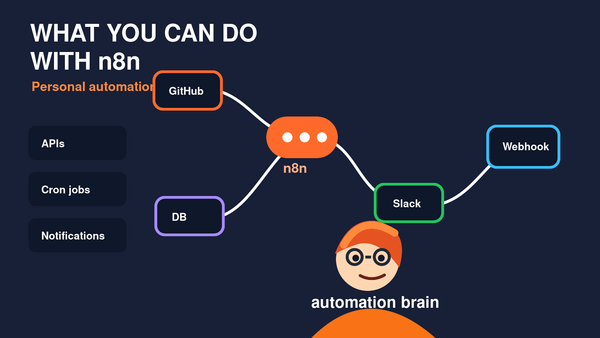
- n8n workflow: trigger a search when a webhook receives a question.
- Home dashboard: expose a private web form on your local network.
- Daily digest: ask the knowledge base what changed in yesterday’s notes.
The key is to keep retrieval local. Your automation layer should call the local script or a small private API rather than uploading your entire vault to a third-party service.
Privacy and safety tips
- Do not expose the search API publicly unless you add authentication.
- Keep the vector database on a trusted machine because chunks may contain private note content.
- Use source citations so you can verify every important answer.
- Start with read-only access before letting any automation edit notes.
- Back up your notes first before experimenting with indexing or automation scripts.
Where to take it next
This starter project gives you the foundation. From here, you can add a web interface, support PDFs, index code repositories, build a Telegram assistant, or connect the system to n8n. You can also swap in different embedding models or run a larger local LLM if your hardware supports it.
The important idea is simple: your notes become much more valuable when they are searchable by meaning, not just by exact keywords. With markdown, local embeddings, and a small retrieval layer, you can build a private AI knowledge base that stays under your control.